

Pick any spot
Tap the map, search for a place, type coordinates or paste a map link. Then teleport there, or travel there at a set speed.
- 48.8584, 2.2945
- 48°51′30″N 2°17′40″E
- geo: links
- map links
- place search
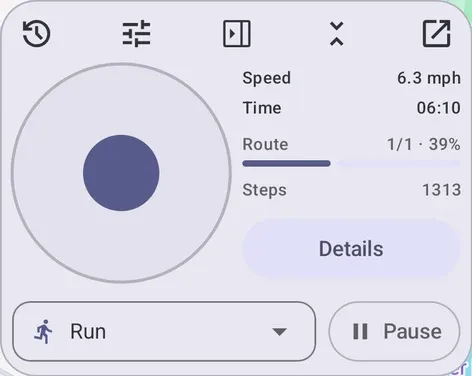
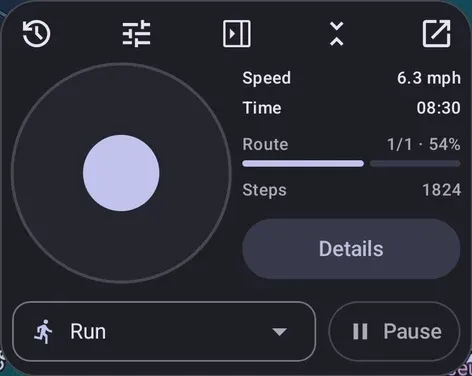
GPS-Go sets the location your Android phone reports to apps. Teleport to places, simulate routes, or steer with a joystick that floats over any app.
01 · Why
The Android emulator and adb can already set a location. GPS-Go does it on the phone itself, with nothing plugged in. The location holds still or moves along a route while you use the app you’re testing, and anyone on the team can run it.
| Emulator | adb | GPS-Go | |
|---|---|---|---|
| Runs on a real phone | No | Yes | Yes |
| Works with no computer attached | No | No | Yes |
| Moves along routes and GPX tracks | Yes | Scripted | Yes |
| Steer by hand over the app you’re testing | No | No | Yes |
| Usable without Android Studio or a terminal | No | No | Yes |
Check a geofence alert, a feature that only exists in one city, or how an app holds up over hours on a looping route, without going there.
Play a recorded GPX run back along its exact path, lap after lap, until the bug it caught shows up again.
Record at a sample location so your own street stays out of the shot.
02 · Features
Jump to a point, play back a route or steer by hand, and keep what you reuse. Everything else stays out of your way.
Tap the map, search for a place, type coordinates or paste a map link. Then teleport there, or travel there at a set speed.
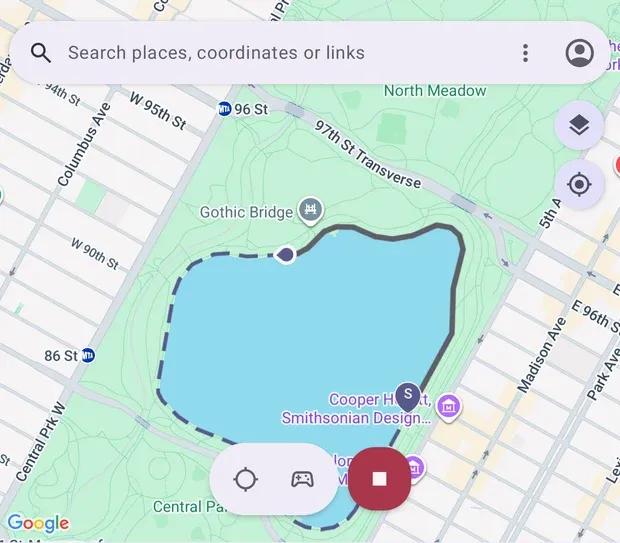
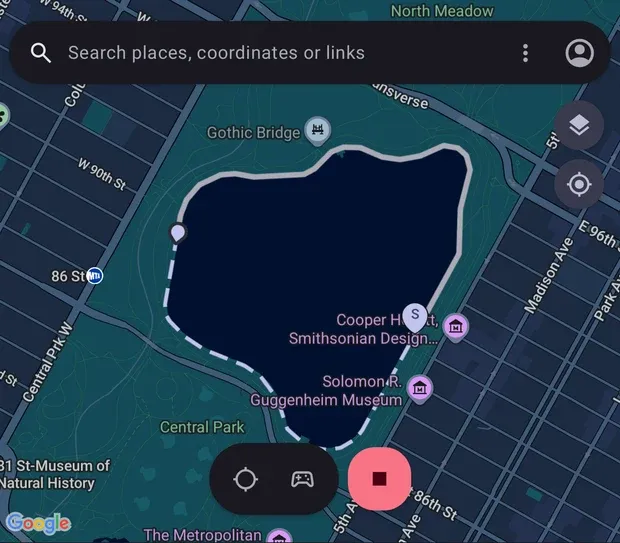
Draw a loop, import a GPX track or take a place shared from another map app. Pick Walk, Run, Bike or your own speed, then steer off with the joystick and rejoin where you left.
View the route guideA floating stick or D-pad stays on top of the app you’re using. After a jump it shows the distance and an estimated travel time at a reference speed you choose.
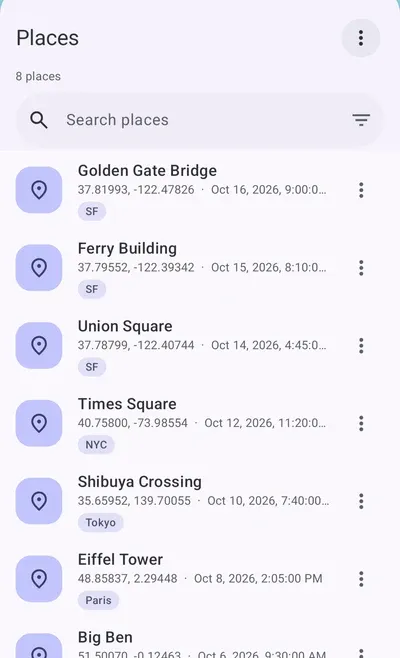
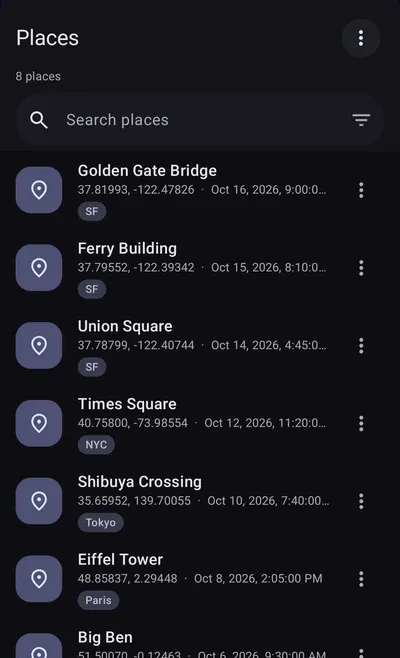
View the joystick guideEvery visit and route run lands in History. Keep the ones you reuse as Places and Routes, tag them, and reach them from the app, the joystick or a home-screen widget.
View the library guide03 · How it works
Android apps read location from more than one place. GPS-Go sends the same fix to all of them, so every app on the phone agrees on where it is.
GPS-GoSends your simulated location
Your appsA simulated location for your apps
04 · Honest
GPS-Go uses the mock location setting Android provides for developers. It doesn’t root your phone, change other apps or hide itself.
Android 12 or later. Two switches in Developer options and you’re set: read the setup guide, or email us.


